Specify the product before seeking an FCC quotation
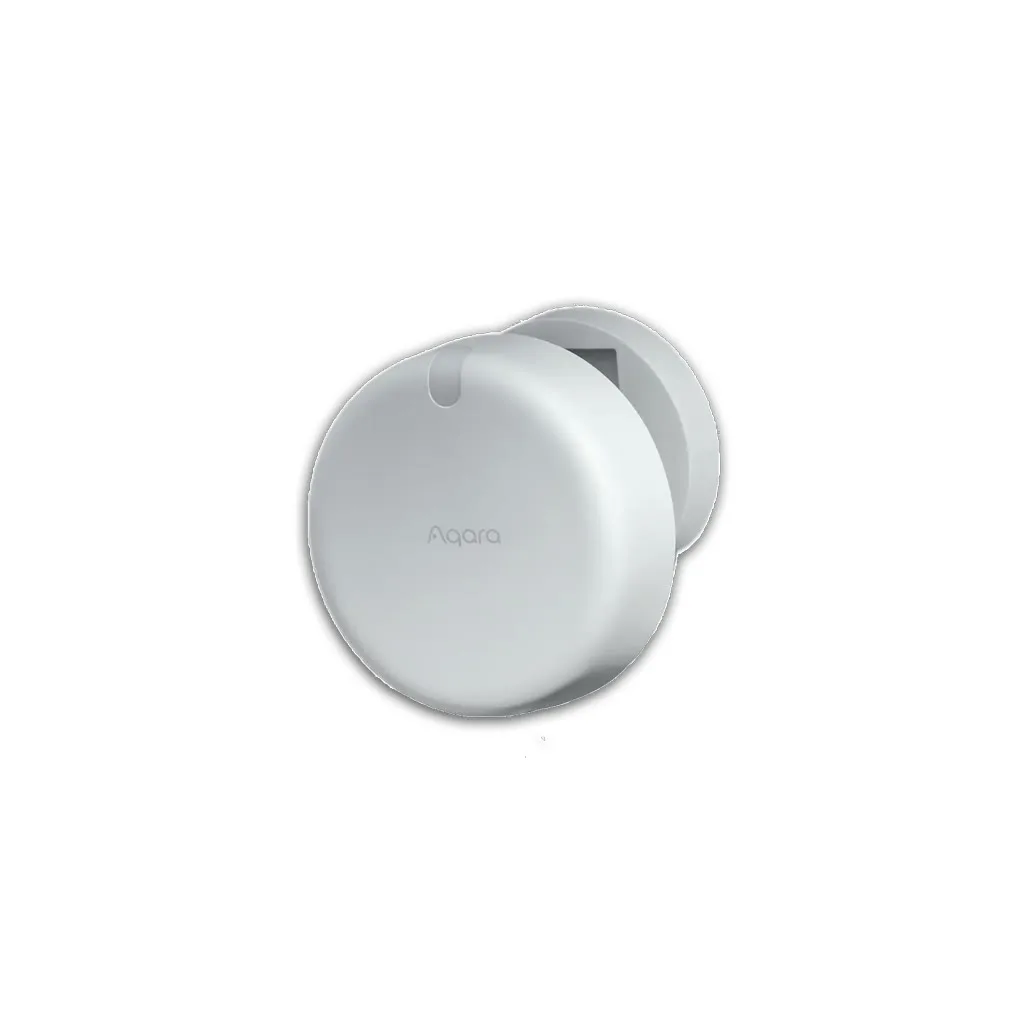
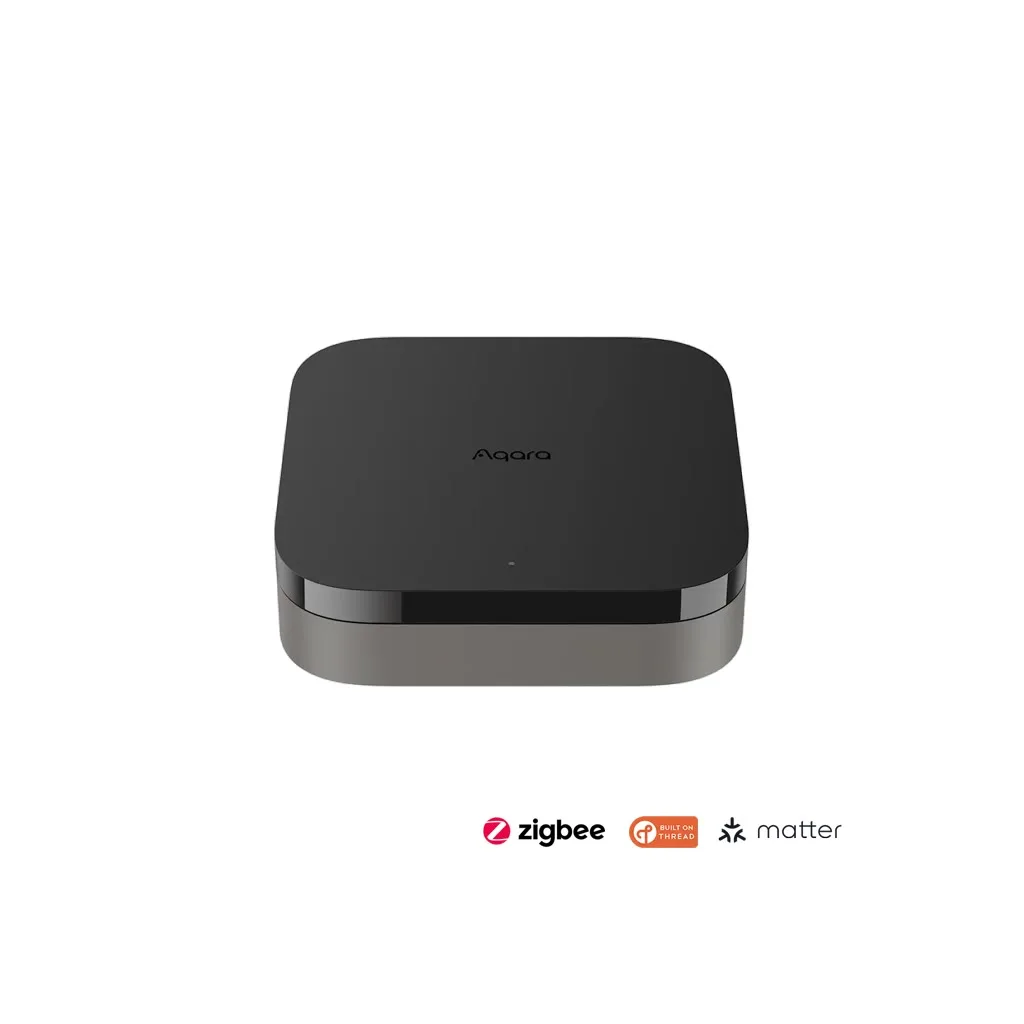
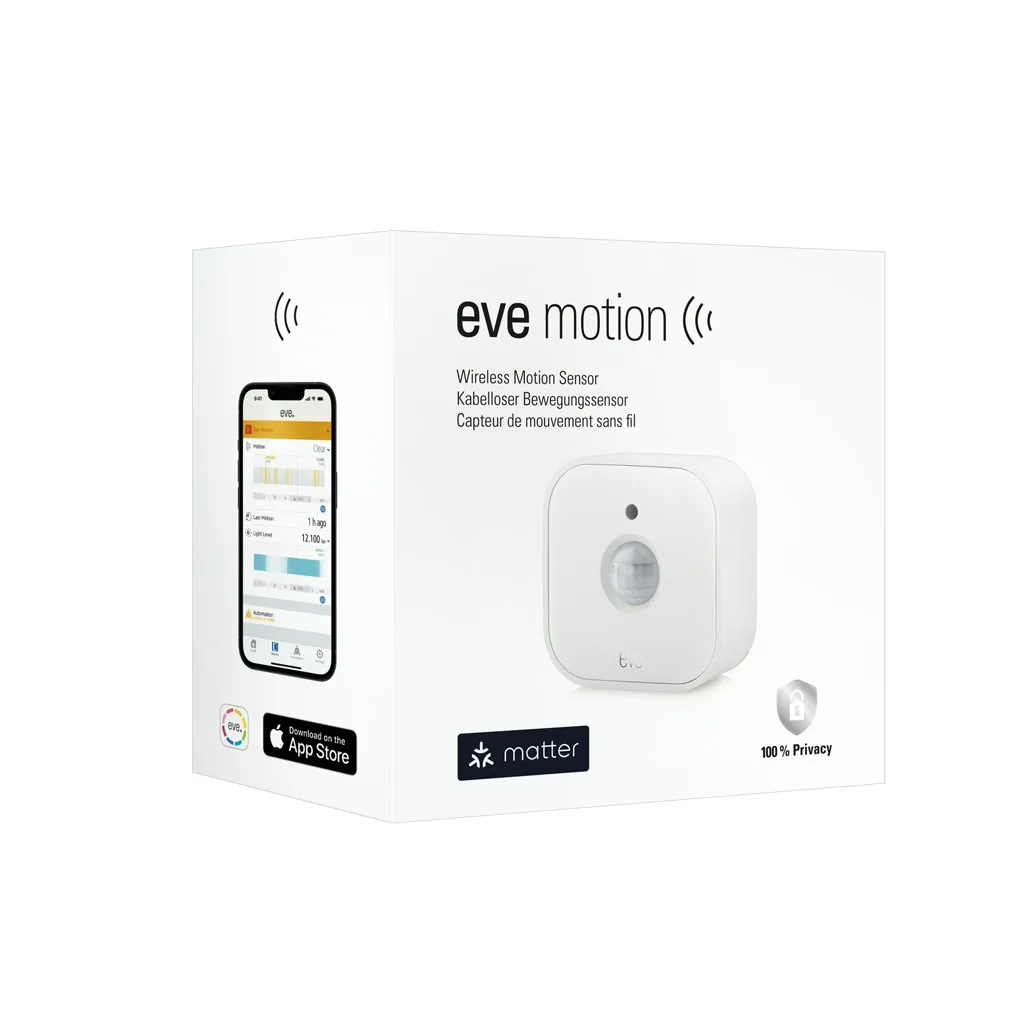
Take a presence sensor with a 60 GHz radar, Wi-Fi backhaul and a battery-powered companion remote. List each transmitter, frequency band, antenna, power setting and intended installation distance. Ask the supplier which functions operate simultaneously and which regional settings the US firmware enables. A quote for one radio module gives an incomplete picture of a host with multiple transmitters. The component list should also distinguish the AC adapter, any internal rechargeable pack and the button cell in the accessory. Each answers a different compliance question for the importer.
For an unlicensed field disturbance sensor in the 57 to 71 GHz band, assess the actual operating mode under FCC Part 15.255. Limits and operating conditions depend on the device and use case. A test for a communications link cannot establish compliance for every sensing mode. Evaluate Wi-Fi under the applicable band provisions, including sections 15.247 or 15.407 as appropriate. Thread and Bluetooth Low Energy radios in the 2.4 GHz band commonly use Part 15.247. Have the lab identify the correct rule and authorization procedure for each transmitter and the host's digital circuitry. FCC rules for the 57 to 71 GHz band
Verify the host configuration and power supply
Read each FCC grant together with its conditions and the module integration instructions. Check antenna type, gain, separation distance, simultaneous operation, radio frequency exposure and host labelling. Obtain evidence for the complete host's unintentional emissions and its applicable authorization route. Have the supplier identify the US responsible party where a supplier's declaration of conformity is required. Compare the grant identifier with a photograph of the board actually installed. Include a release control for firmware that changes duty cycle or enables a different regional channel plan after a factory reset.
For a workplace deployment, ask the purchaser and authority having jurisdiction what electrical approval is required. Obtain a listing from a Nationally Recognized Testing Laboratory where applicable and verify that the laboratory's scope covers the standard. UL 62368-1 addresses relevant audio, video and information technology equipment. UL 1310 covers applicable Class 2 power units. UL 1642 addresses lithium cells and batteries within its scope, while UL 2054 can be relevant to a household or commercial battery pack. Have the safety engineer explain how the selected standards cover the finished system. A recognised component has conditions of use that the final assembly must satisfy. OSHA NRTL program
For the external power supply, identify the applicable Department of Energy product class, output configuration and any exemption. Check the federal efficiency requirements applicable on the manufacturing date. For a covered Level VI supply, obtain the relevant test evidence for active efficiency and no-load power, confirm required marking and verify the basic model covered by the manufacturer's certification. Do this again for a second-source adapter. The output voltage and physical connector may be identical while the efficiency classification or reporting record differs. Federal external power supply standards
Treat the remote control as a consumer product
Open the accessory pack and determine whether a product contains or is designed to use a button cell or coin battery. For an in-scope consumer product, 16 CFR Part 1263 incorporates ANSI/UL 4200A-2023 performance and warning requirements. A replaceable battery compartment must require a tool or at least two independent, simultaneous hand movements to open. Evaluate battery accessibility after the specified abuse tests. Check the warnings on the retail package, in instructions and on the product where applicable. Confirm separate requirements for spare cell packaging. Review exemptions, including qualifying toys, against the actual product and evidence. CPSC button cell business guidance
Have the importer prepare the applicable General Certificate of Conformity for a general-use product or a Children's Product Certificate supported by required testing for a children's product. Link the certificate to the test records and lot identity. Require production samples with the final screw, thread insert, resin and battery door. A stronger prototype door can conceal a problem introduced when the factory changes the mould or the screw supplier. Inspect a sample from the retail lot and verify the warnings remain visible when the distributor applies its own barcode label.
Price Section 301 against the customs value
Give the broker a description of the finished article, principal function, bill of materials, origin facts and packaging. Ask for the ten-digit HTSUS classification and the reasoning for the heading selected. For a set containing a hub and sensors, check the rules for retail sets and essential character. A marketing name or an overseas export code does not settle US classification. If competing classifications materially change the economics, consider a prospective customs ruling before fixing the bid. Preserve the entry-date tariff schedule and the origin analysis in the procurement file. US tariff schedule
Check the eight-digit subheading against the USTR Section 301 action and confirm the Chapter 99 provision, scope, exclusions and effective dates for the entry. Review other applicable duties separately. Price a documented base case and a sensitivity case in which a relevant exclusion has expired. The change in ad valorem duty equals the applicable customs value multiplied by the difference in rates. Build the customs value with the broker, including dutiable assists or additions where applicable. A quoted FOB amount alone can understate that base. USTR Section 301 lookup
Close the purchase order against a delivered margin
Add freight, insurance, brokerage, applicable entry fees, domestic delivery, compliance work and the planned warranty reserve. Allocate fixed testing costs across the number of saleable units in the committed order. Keep freight and duty on separate lines so a change in transport mode does not automatically inflate the assumed duty base. Ask finance for the maximum duty exposure the tender margin can absorb and compare it with the range justified by the broker's analysis.
For a bid priced per installed sensor, calculate the incremental duty per saleable unit. Divide the additional duty on the consignment by the units available for sale after allocating demonstration and service stock. The customer may accept a price revision at renewal but require the original rate during the initial installation. Ask sales to identify the delivery lots still exposed under that agreement.
At release, reconcile the host authorization, listed power supply, coin-cell evidence and customs description against one packed sample. Record which party must report a changed antenna, additional transmitter, alternate adapter or revised country of origin. Require a new commercial calculation when the entry date or a relevant tariff provision changes. This lets purchasing renegotiate an FOB quotation while it still has leverage and gives receiving staff a concrete basis for holding a lot that differs from the authorized configuration.