Smart Life and Tuya Matter/Zigbee 3.0 sourcing guide for local control, DIN-rail safety and regional power
Which functions survive an internet outage? Qualify the bridge, wall controls and regional power variants before specifying a building-wide Smart Life deployment.
Choose the control path for each load
Start the tender with three columns for every action. Record the physical control at the load, the controller that runs the automation, and the service that stores history or sends a remote command. A caretaker might need corridor lights while the internet is down but have little need for yesterday's energy chart until service resumes. Those functions can have different acceptance criteria even when they share one app icon.
Candidate
Documented control path
Sample decision
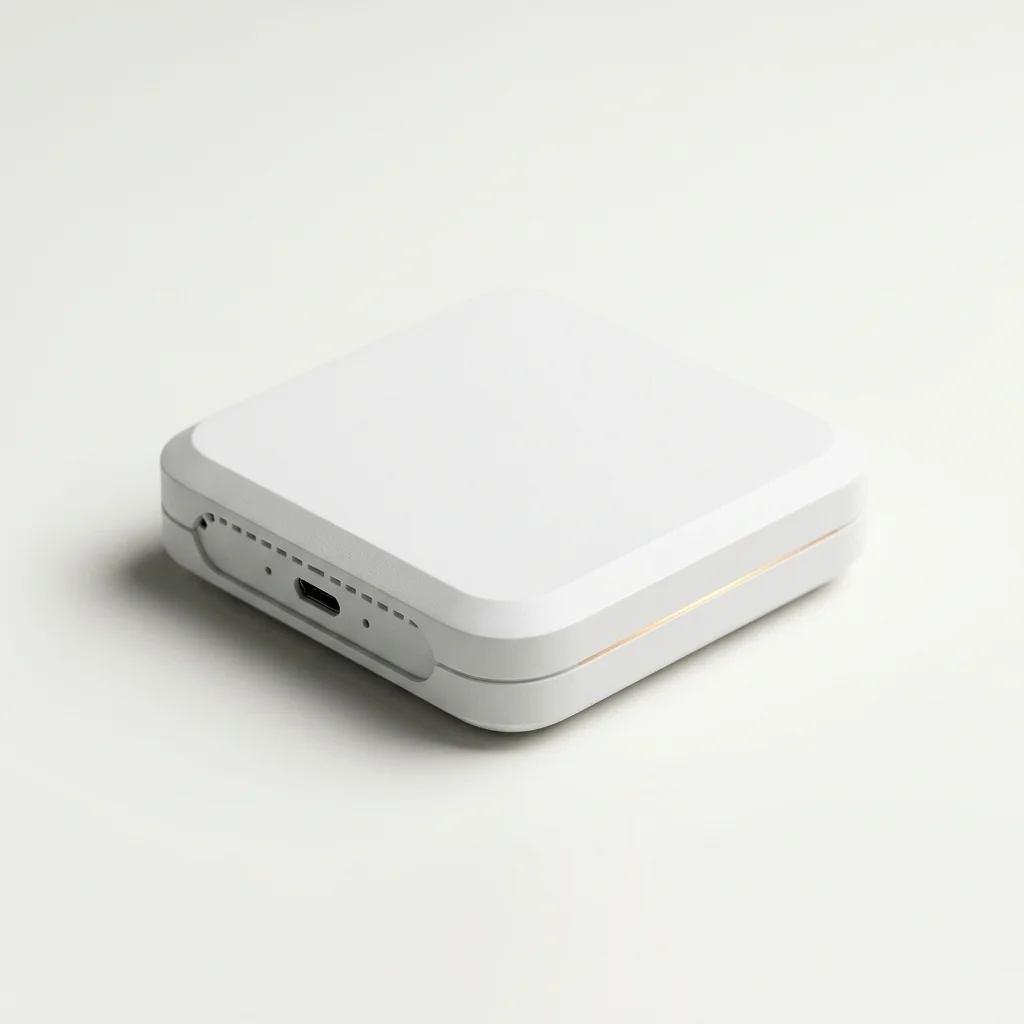
MOES MZHUB-MS
Wired Ethernet gateway bridges supported Tuya Zigbee devices to Matter
Compare endpoint functions in both controllers
Zemismart M1
Matter bridge for supported Zigbee endpoints with Thread support
Record which vendor settings remain in Smart Life
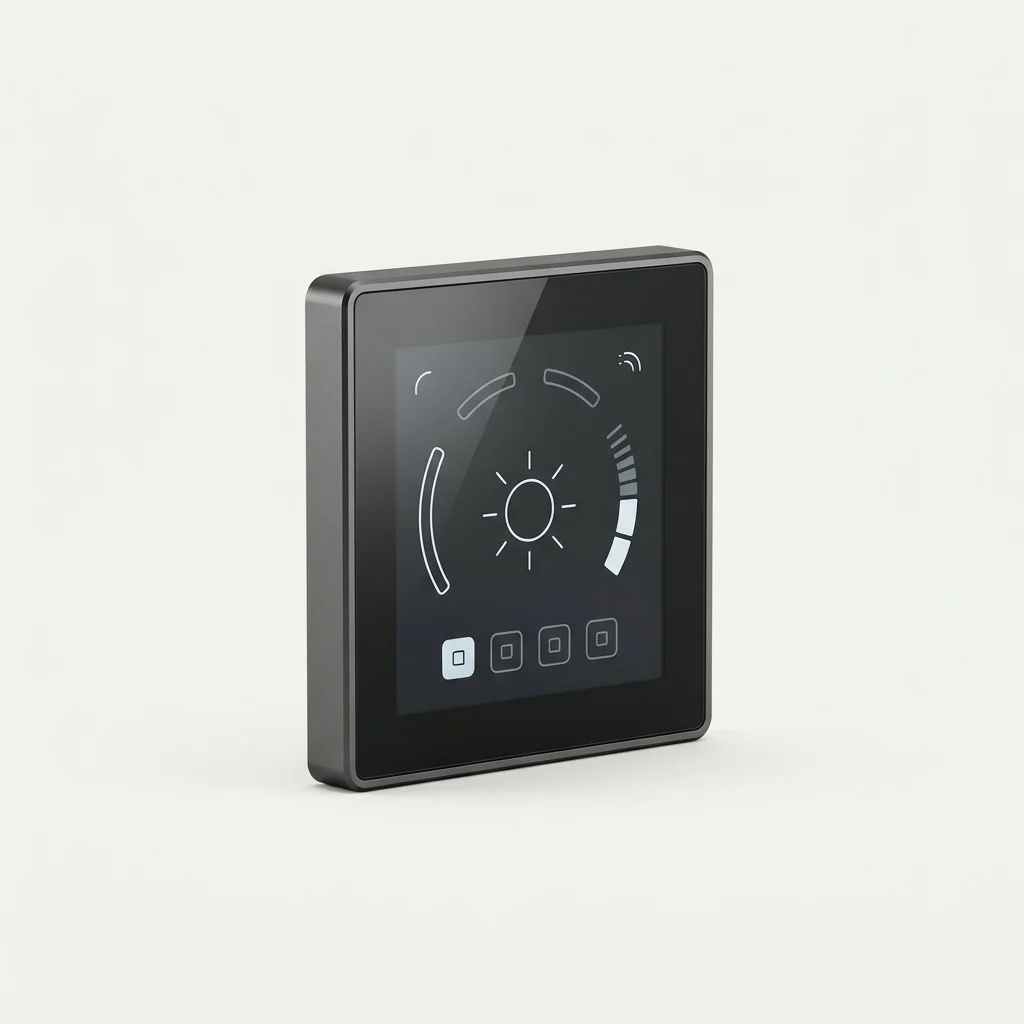
MOES TPP05-Z(US) and Avatto T6E
Five-inch and four-inch wall interfaces respectively, each with a Zigbee gateway
Try a wall scene with the internet disconnected
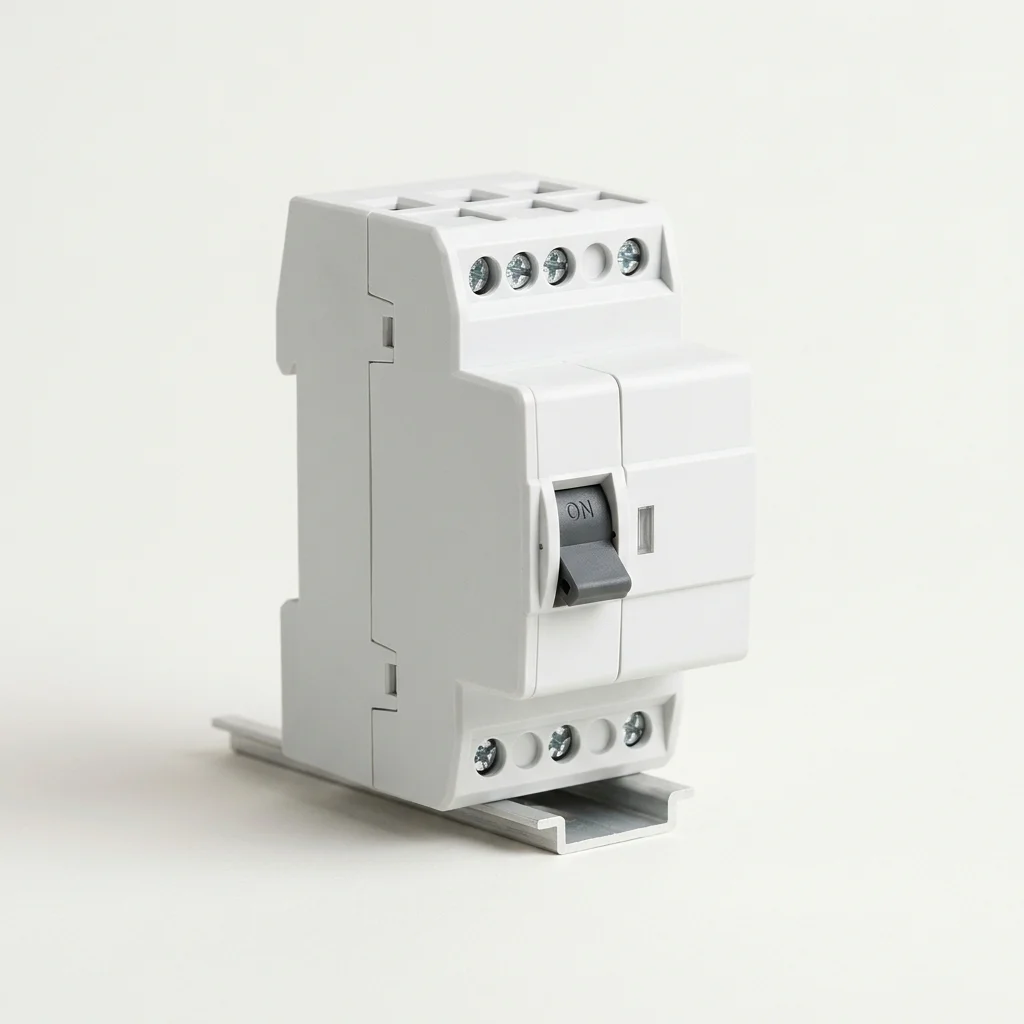
MOES ZCB-A5-TZ-E1-MS
Zigbee DIN-rail switching and metering
Obtain protection and frequency evidence
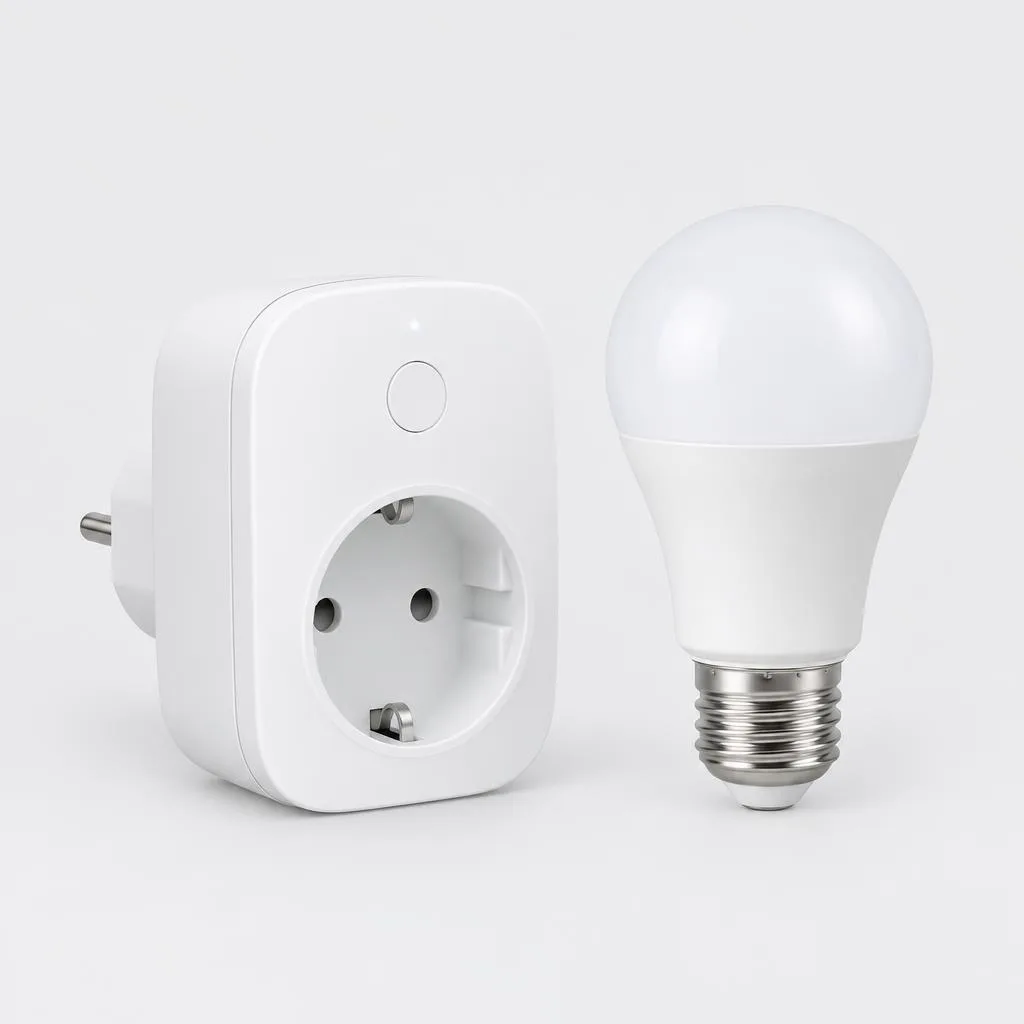
Nous A1Z and Nedis WIFIP121FWT
A1Z meters via a Zigbee gateway while the Nedis Type F plug uses Wi-Fi
Check socket fit and meter history separately
Treatlife DS02S
Single-pole Wi-Fi dimmer for compatible lamps on 120 V, 60 Hz
Inspect neutral availability and test the actual lamp
A specification calling for Zigbee 3.0 and Matter should name the endpoint, bridge firmware, target controller and required attributes. Turning on a bridged plug tells you little about whether the controller also receives its energy readings. Give the integrator a blank results sheet for on/off, dimming, metering and recovery. Have them enter the observed value on each platform and attach the commissioning date. MOES gateway specifications
Witness a local-control and handover test
Run the first demonstration with an account belonging to the building operator. Commission one room, close the phone app and exercise its physical controls. Disconnect the internet while keeping the local network, bridge and endpoints powered. Try the same scene from the wall and from the intended Matter controller. Record where execution stops, including a successful switch command followed by a stale status display. Someone returning to a dark room needs to know which indication to trust.
Next restore internet access and check for delayed commands. A scheduled energization that arrives after maintenance has started is a different failure from a missing usage graph. Agree the acceptable restart state for each load with facilities staff. On a separate trial take the coordinator offline and repeat the physical-control check. Preserve the firmware versions and settings with the signed results so a later update can trigger a short repeat test.
Have a second technician replace the gateway using only the handover pack. Count the endpoints that require access to a ceiling, locked cupboard or occupied room to pair again. Include those visits in the service quote. Get written ownership of the commissioning account, a recovery contact role and a supported procedure for removing a departing contractor's remote access.
Separate switching duty from circuit protection
The MOES catalog describes a metering breaker, but the unit's manual identifies an intelligent relay switch. A configurable current threshold and a DIN-rail mount establish neither a fault-interrupting rating nor suitability as the protective device for a branch circuit. Require the electrical designer to identify the upstream protective device, prospective fault conditions, conductor limits and a safe means of isolation. Retain that design with the panel schedule before a sample goes into an occupied building.
Check the exact suffix and frequency against the installation. The ZCB manual cover gives 50/60 Hz while its specification table gives a 50 Hz tolerance. Resolve the discrepancy in writing for a 60 Hz project. For LED lighting, send the driver details and the number of drivers switched together. A current figure for one load class cannot settle the effect of starting several drivers at once. Verify wall-box depth, neutral and enclosure clearance with the intended installer.
Build a destination-specific approval file
On US and Canadian 120 V, 60 Hz circuits, ask for the applicable FCC equipment authorization or Canadian ISED record for the radio. Separately obtain electrical safety evidence accepted for that site, such as a relevant UL listing where specified. Match the listing to the complete product and intended load. For Canada, search the certification number and model in the official register. ISED Radio Equipment List
For EU radio equipment on a nominal 230 V, 50 Hz installation, request the declaration of conformity under the Radio Equipment Directive (RED). RED incorporates the LVD safety objectives without a lower voltage threshold. Assess a separately supplied adapter on its own scope. The Cyber Resilience Act (CRA) reporting duties for manufacturers of in-scope products began on 11 September 2026. Obtain the manufacturer's incident contact, supported firmware list and promised support period. For Great Britain, document the applicable CE or UKCA route and order the correct plug. Northern Ireland has a separate market route. EU radio requirementsCRA reportingGreat Britain radio equipment guidance
Frequently Asked Questions
Can a building use Matter during an internet outage?
Local control can work for the functions exposed through the commissioned bridge while its local dependencies remain available. Test every essential action from the specified controller with the internet disconnected. Record vendor-only controls, notification delays and any scenes that require a remote service in the handover sheet.
Can the installer use one plug SKU in every market?
Order by socket, supply rating, frequency and local approval. The Nedis record describes a Type F plug, and the Treatlife dimmer is a 120 V, 60 Hz wired device. An adapter changes the mechanical connection and leaves load rating, earthing and destination approval to resolve.
Does a wall screen remove the need for physical controls?
Specify what the occupant can still operate if the screen loses power or a gateway is replaced. Test that path in a representative room. Record which local switches must be retained and include their wiring and labels in the installation price.
Can a metering relay serve as the maintenance isolator?
Have the responsible electrical designer specify a rated means of isolation and approve its location. A remote off command gives maintenance staff no assurance that someone else cannot restore the output. Put the approved isolation procedure beside the circuit schedule and test it during handover.
What belongs in the commercial quotation?
Confirm volume FOB and MOQ through a written RFQ for each regional suffix and named port. Ask for a separate line for power supplies, commissioning, spare bridges, firmware support and return handling. Compare the cost of restoring one failed room, including technician access, before extending the installation across a building.
Export a structured pre-PO procurement checklist extracted from this playbook's verification sections, buyer diligence questions, and referenced catalog SKUs.
This Nedis SmartLife plug meters one Type F load over Wi-Fi. Nedis documents branded app control and Smart Life skill linking within the Tuya ecosystem.